Create a music release page.
Give your music a home. Bring listening links, upcoming shows, and the next place fans can find you together on one page.
Create your release page Free to start. Your content. Your design.See a finished example ↓Maya North
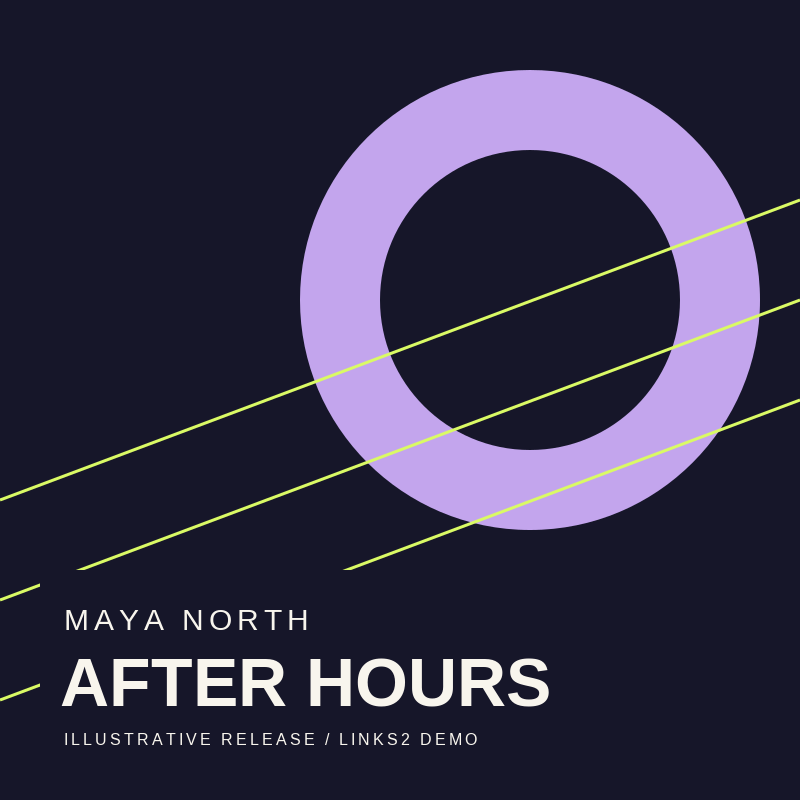
Late-night soul from Toronto. My new EP, After Hours, is out now.
An illustrative page. You'll add your own content in guided setup.
Know what to add.
Make it your own.
Open a ready-made outline, then fill it with the things you want to share. Skip optional sections, rearrange the page, and change any design.
Your artist profile
Introduce your sound or your new release.
Your release
Add a music release card with your own listening destinations and artwork.
Your next show · Optional
Give fans somewhere to see you live.
Keep fans connected · Optional
Link to the social profile you update most.
One release. A choice of destinations.
Open this card to try the same artwork-and-links preview your visitors can use.
This is a demonstration with a fictional artist and original illustrative artwork. Its buttons open service homepages, not a playable release. Your own card links to the exact songs or albums you add.
Build your music release page.
Start with your artist profile
Choose the musician starter, create your account, and claim your page address. Add your artist name, a short bio, and a photo you have permission to use.
Add a release
In guided setup, select Add a release and paste a supported music URL, such as a Spotify track or Apple Music album. Check the title, add the artist, and upload your own cover using the image field. You can enter these details yourself when a site preview is unavailable.
Supply your listening destinations
Set When clicked to Open music preview. Expand Listening links and choose + Add a listening or buying link. Paste each destination, check its service and label, then reorder or hide buttons as needed. The original service link is included automatically; other services must be added manually.
Choose what the card opens
Under Preview options → Show in preview, choose artwork and listening links, player and listening links, or player only. A player requires a supported URL. To send visitors straight to the original service instead, set When clicked to Open original link.
Publish and test your public link
Save the card, add any show or social links, then select Publish. Open the public address while signed out and on a phone. Open the release card and check every destination, including the correct recording, region, and clean or explicit version.
Review activity and keep it current
Use Analytics to review page views and outbound clicks. Edit the saved card and publish again when you add a service or announce another show. Keep the same page address so the link in your bio continues to work.
What happens when a fan taps?
- Listening and buying links
- These open another website. The destination picker includes Spotify, Apple Music, YouTube Music, SoundCloud, Bandcamp, Subvert, Tidal, Deezer, Amazon Music, and Custom. A service label does not add a player or find the release for you.
- Playable previews
- Supported Spotify, Apple Music, SoundCloud, and Deezer URLs can supply a player. Bandcamp needs its supported embedded-player URL. The player loads when a visitor opens the preview; playback and availability depend on the provider. If no player is available, the preview shows artwork and listening links.
- Metadata and discovery
- A link may provide a site title or image when added. Check that information and supply your own where needed. Automatic matching across music services is currently unavailable in the editor. Links2 does not distribute your release or create pre-save campaigns.
Start free. Measure clicks with care.
Free includes one profile, all themes, music previews, manual listening destinations, and 30 days of viewable analytics. Link counts are limited; Links2 does not offer unlimited links.
Plus costs US$4 billed monthly or US$36 billed annually (equivalent to US$3/month). It adds advanced design controls, branding removal, scheduling, and up to three years of viewable analytics. Any applicable taxes appear at checkout. The seven-day Plus trial needs no card and does not charge automatically.
Page views and outbound clicks are events, not unique fans or proof of streams, purchases, or subscribers. Opening the preview itself is not an outbound click. Check the music service’s own reporting for listening outcomes. Read the analytics guide and compare current plans.
Before you share your release.
- Can I edit the release after publishing?
- Yes. Change its title, artwork, destinations, or order in the editor, then publish again. Updating content does not require changing your page address.
- Can I add shows, merch, and social profiles?
- Yes. Add links to your existing ticketing, shop, and social pages alongside the release. Payments and ticket bookings happen at those destinations.
- Can I use my own domain?
- Plus supports one custom subdomain, such as music.example.com. You need to own the domain and configure its DNS. Apex domains such as example.com are not supported.
- Can fans join my mailing list?
- Plus can collect up to 1,000 new unique contacts per month, with consent records and CSV export. Addresses are unverified. Links2 stores contacts and does not send emails; use your email platform to manage messages. Direct Mailchimp synchronization is not currently available.
For more ways to arrange your page, see our musician link-in-bio example. Contact support if you need help setting up a release.
Create your music release page ↗